



- All Jewell students receive Microsoft Office 365 Suite (Outlook, Word, PowerPoint, etc.).
- Adobe Creative Suite (Photoshop, Premiere, Illustrator, etc.) is installed on select computers across campus.
- Anti-virus software is strongly recommended.

How Technology Can Help You
- With reliable wireless access anywhere on campus, your learning will not be bound by the limits of a physical campus.
- Be part of a community where learning is among, between and led by students. We challenge the traditional instruction-based approach.
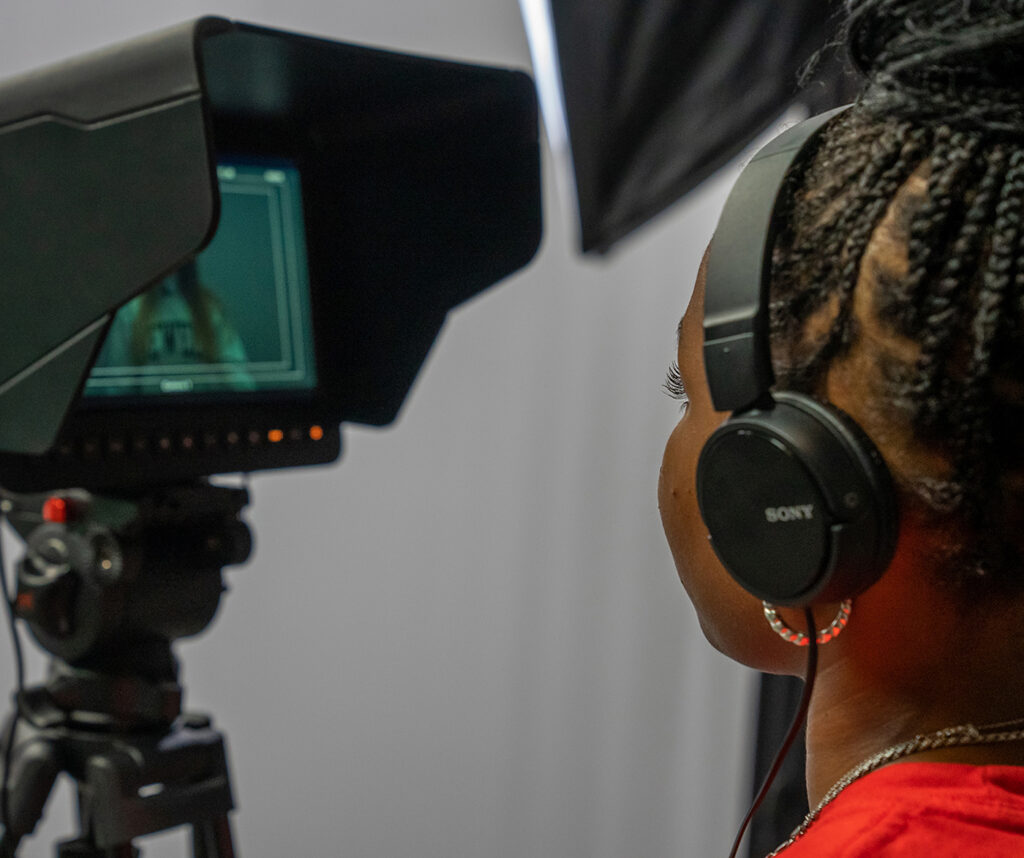
- You have 24/7 access to the Pryor Learning Commons, with collaboration studios, editing suites and more.
- Take part in professional development through workshops, and receive one-on-one assistance through our eHub.
Technology Recommendations
Below are the minimum suggested technologies one might need while studying at William Jewell College; better/faster/larger/newer is fine as long as supported by applicable application software. Some departments/disciplines may have specific technology requirements. Please contact those departments if you have questions regarding their technology requirements. While the institution has invested in building an Apple ecosystem throughout campus, our academic spaces (classrooms) can accommodate all types of computers and mobile devices.
- Dell Inspiron
- Storage: Over 256GB
- Operating System: Windows 11 OS or better
- MacBook Air with M1, M2 or M3 chip
- Storage: Over 256GB
- Operating System: Sequoia OS (15.0) or better
Please check iPad accessories for compatibility with your iPad model.
Technology Resources
Find our technological resources here
- Apple Mac OS X – OS X 15.0 and above are supported operating systems.
- Microsoft Windows – Windows 11 is the supported operating system on campus.
- Microsoft Office – The College currently supports Office 365. Students are provided access to Office 365 free of charge. To gain access to the suite of Microsoft 365 applications, go to https://www.office.com to activate your Jewell Office 365 account.
- Software Updates – All Windows and OS X and iOS devices should be configured so that Automatic Updates are turned on. Additionally, all other software such as web browsers, Java, Flash, Silverlight and Acrobat Reader should be kept updated.
- Anti-Virus Software – Every computer should have anti-virus software installed such as McAfee, Symantec, AVG, etc.
- This list is not inclusive, students should check with individual instructors prior to a class to see if they know of any additional software compatibility issues.
- iPad/iPhone – iOS 18 and above is supported.
- Android Phones/Android Handhelds – Android 15.0 and above are supported operating systems.
- Nintendo Switch/PlayStation/Xbox – These game consoles are supported by the wireless Jewell network.
- Audio and Video Streaming Devices (Apple TV, Roku, SmartTVs, GoogleHome, Amazon Echo, etc.) – Most devices are supported by the wireless Jewell network.
- HelpDesk Tickets – For issues with email, network and general troubleshooting, please go to zoho.jewell.edu. Do not call Information Technology directly.
- Student Support Scope – The IT Department will limit work on student’s BYOD (bring your own devices) to minimally invasive procedures. Any hardware or warranty work should be performed by outside vendors or the place where the device was purchased.
- Students are given 1 TB of storage space on their OneDrive through the College’s Microsoft 365 subscription.
- Wireless Network – Access Points are available in all residence halls, PLC, Union, Library and all academic buildings. NOTE: Personal Wireless Routers are not allowed on campus networks. They can interfere with regular wireless traffic and cause downtime.
- Ethernet Connections – Requests will be reviewed on a case-by-case basis when desired devices will not support wireless connectivity. Please submit a HelpDesk ticket and include building, room number, device type, Ethernet MAC address and jack number you would like connected.
- Network Printers – Students can print to a number of network printers located on the Scribe3 print server.
- Print Quota – Every student receives 300 (black and white) pages of network printing per semester. At the end of each semester any unused printing balance will roll over to the next semester. This balance is limited to two semesters’ worth of credit.
- Additional Pages – These can be purchased through papercut.jewell.edu.
- Wireless Printing – The College’s systems support direct printing from student devices. Instructions for printing directly from laptops and other mobile devices can be found here.
- Personal Printers – Personal printers are not supported in resident halls or on the campus wireless network.
Use the above referenced locker space while using these machines to avoid data loss.
- Jewell Hall 203 – Mac lab, open 6 a.m.-6 p.m.
- Pryor Learning Commons – Macs and PCs, open 24 hours a day, 7 days a week